oks-ui
SegmentedControl component
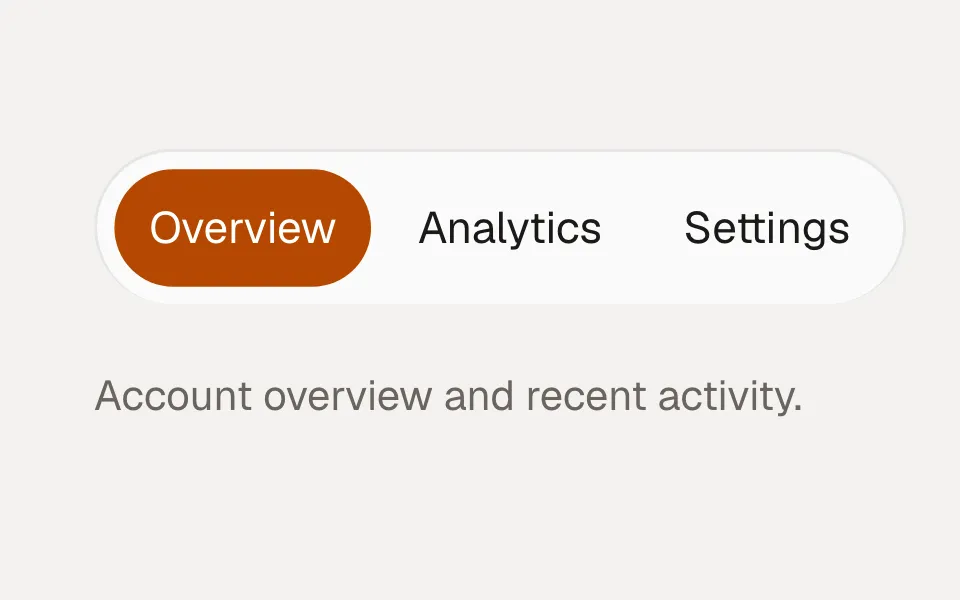
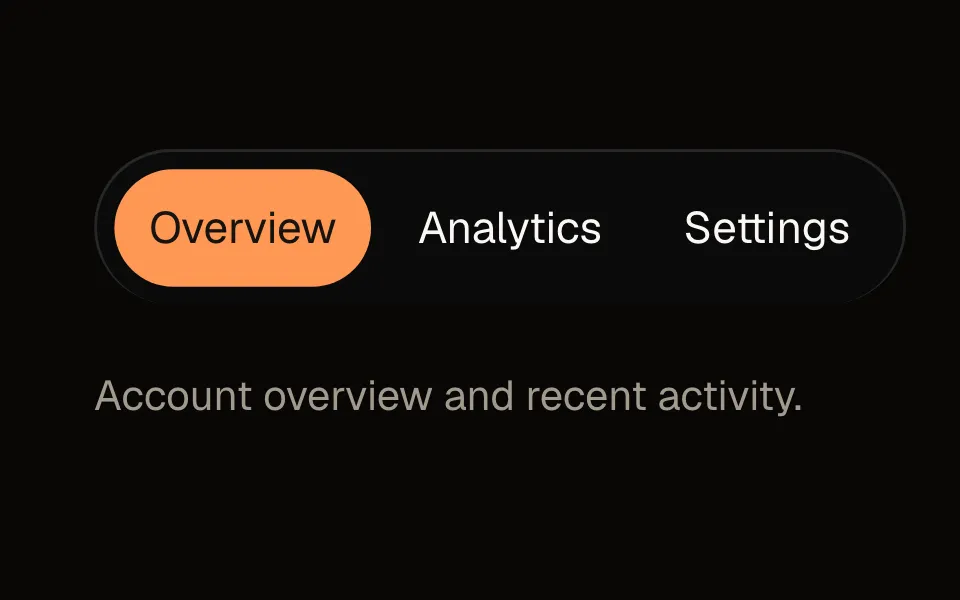
SegmentedControl is a compact inline switch between a few mutually exclusive options, with an animated thumb that slides to the active segment.
Playground
Change a prop on the right and the preview updates. Switch to Code to copy what you see.
Recipes
Copy-paste patterns for the ways SegmentedControl actually gets used — each one a real, self-contained example.
View switcher
A compact switch between a few mutually exclusive options, with an animated thumb. Controlled via value/onChange.
const [view, setView] = useState("day");

<SegmentedControl
  value={view}
  onChange={setView}
  options={[
    { value: "day", label: "Day" },
    { value: "week", label: "Week" },
    { value: "month", label: "Month" },
  ]}
/>
Sizes
size tunes the control's density — sm for toolbars, lg for a prominent switch.
<SegmentedControl size="sm" value={v} onChange={setV} options={options} />
<SegmentedControl size="lg" value={v} onChange={setV} options={options} />
Full width
fullWidth stretches the control to fill its container with equal segments — good for a mobile tab-style switch.
<SegmentedControl
  fullWidth
  value={tab}
  onChange={setTab}
  options={[
    { value: "overview", label: "Overview" },
    { value: "activity", label: "Activity" },
  ]}
/>
Example
const [view, setView] = useState("day");

<SegmentedControl
  value={view}
  onChange={setView}
  options={[
    { value: "day", label: "Day" },
    { value: "week", label: "Week" },
    { value: "month", label: "Month" },
  ]}
/>
Props
The full public API for SegmentedControl. Every prop is stable and intentionally typed.
Data
| Prop | Type | Default | Description |
|---|---|---|---|
| options | { label, value, icon?, isDisabled? }[] | — | The segments. |
| value / defaultValue | string | first option | Controlled / initial selection. |
options
{ label, value, icon?, isDisabled? }[]
default: —
The segments.
value / defaultValue
string
default: first option
Controlled / initial selection.
Behavior & states
| Prop | Type | Default | Description |
|---|---|---|---|
| onChange | (value) => void | — | Fired on selection. |
| isDisabled | boolean | false | Disable the whole control. |
onChange
(value) => void
default: —
Fired on selection.
isDisabled
boolean
default: false
Disable the whole control.
Appearance
| Prop | Type | Default | Description |
|---|---|---|---|
| size | "sm" | "md" | "lg" | md | Control size. |
size
"sm" | "md" | "lg"
default: md
Control size.
Layout & positioning
| Prop | Type | Default | Description |
|---|---|---|---|
| fullWidth | boolean | false | Stretch to fill the container, equal segments. |
fullWidth
boolean
default: false
Stretch to fill the container, equal segments.
Styling
| Prop | Type | Default | Description |
|---|---|---|---|
| classNames | { base?, thumb?, option? } | — | Slot classes. |
classNames
{ base?, thumb?, option? }
default: —
Slot classes.
Accessibility
- Implemented as a radio group; Left/Right (or Up/Down) arrows move the selection.
- Only the checked option is in the tab order; arrowing changes selection immediately.
- The sliding thumb is decorative and respects `prefers-reduced-motion`.