 oks-ui
Real applications, built entirely on oks-ui
Every template is hosted and running live, and most publish their source. Click through the product, then read the code to see how the pieces fit together.
- Templates
- 6
- Screens
- 763
- Most components
- 37
- oks-projects.github.io/astrobit
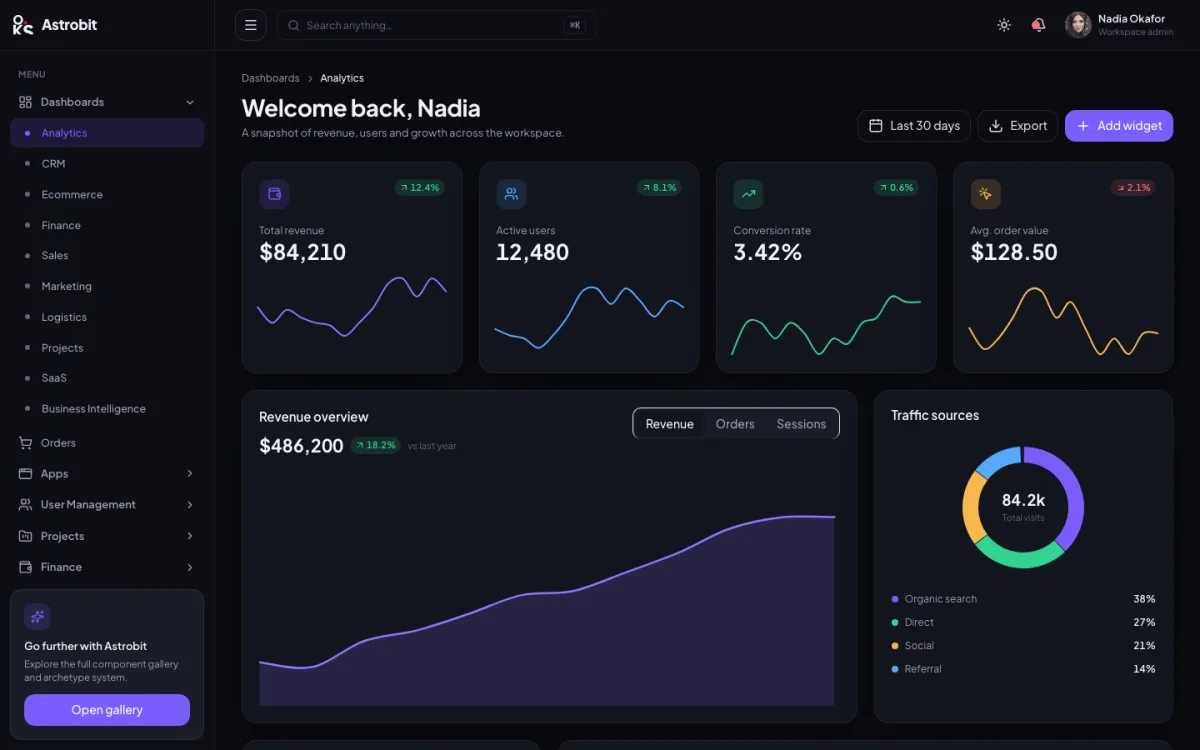
Astrobit
Dark-first analytics workspace
- Analytics
- Dark UI
- Charts
- Command palette
- Screens
- 166
- Components
- 33
- oks-projects.github.io/bilkoss
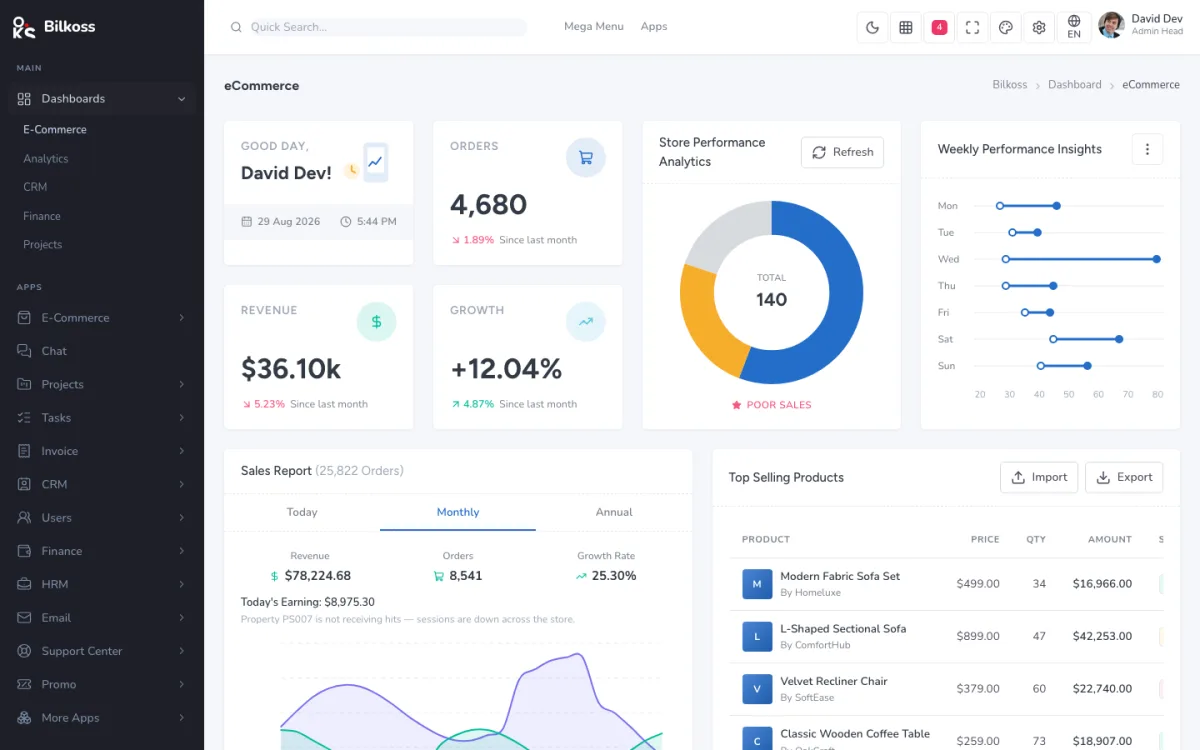
Bilkoss
Light e-commerce admin
- E-commerce
- Admin
- Dashboards
- Data tables
- Screens
- 153
- Components
- 35
- oks-projects.github.io/cearix/dashboards/sales
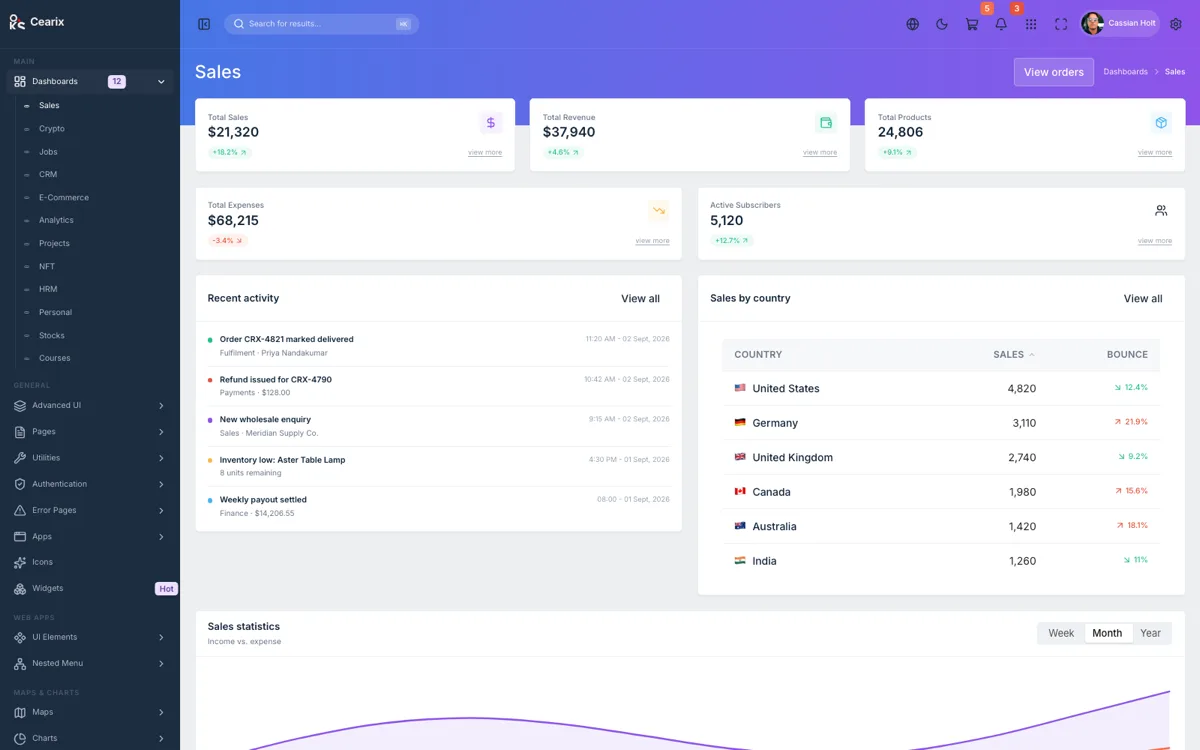
Cearix
Multi-dashboard admin console
- Admin
- Dashboards
- Charts
- Data tables
- Screens
- 146
- Components
- 36
- oks-projects.github.io/dyloc/dashboards/default
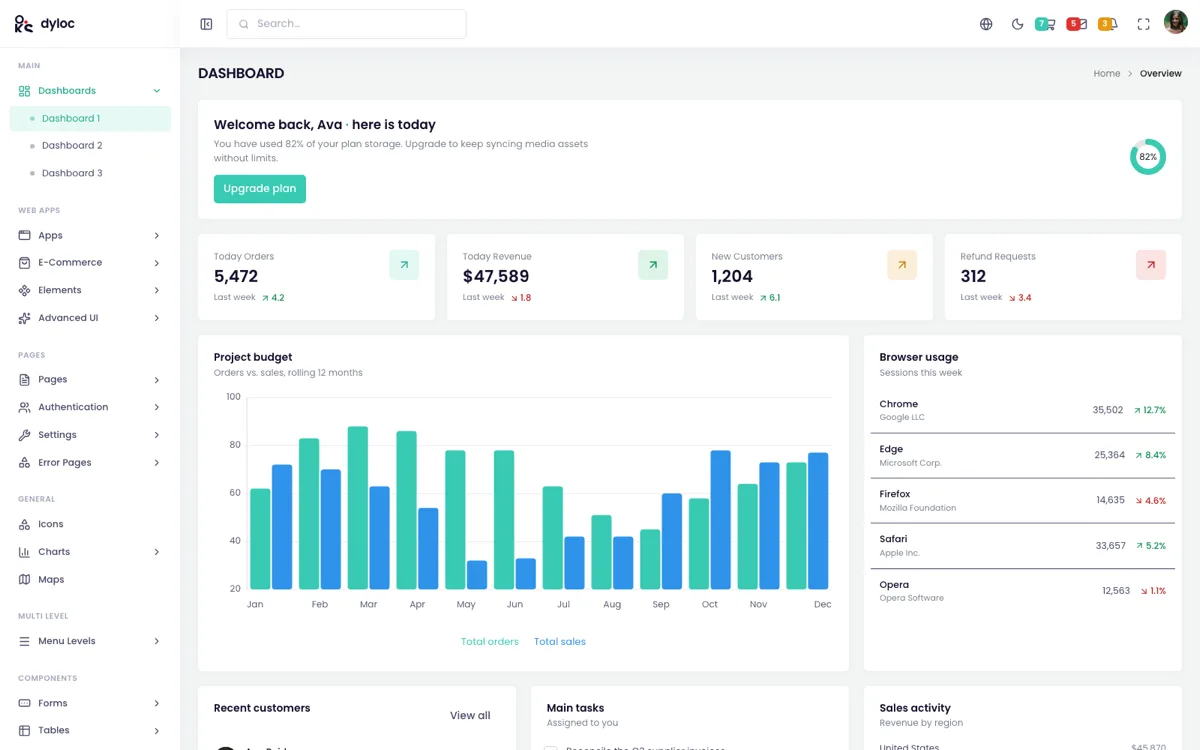
Dyloc
Config-driven admin template
- Admin
- Dashboards
- Forms
- Theming
- Screens
- 92
- Components
- 34
- oks-projects.github.io/elosh/dashboard/employee
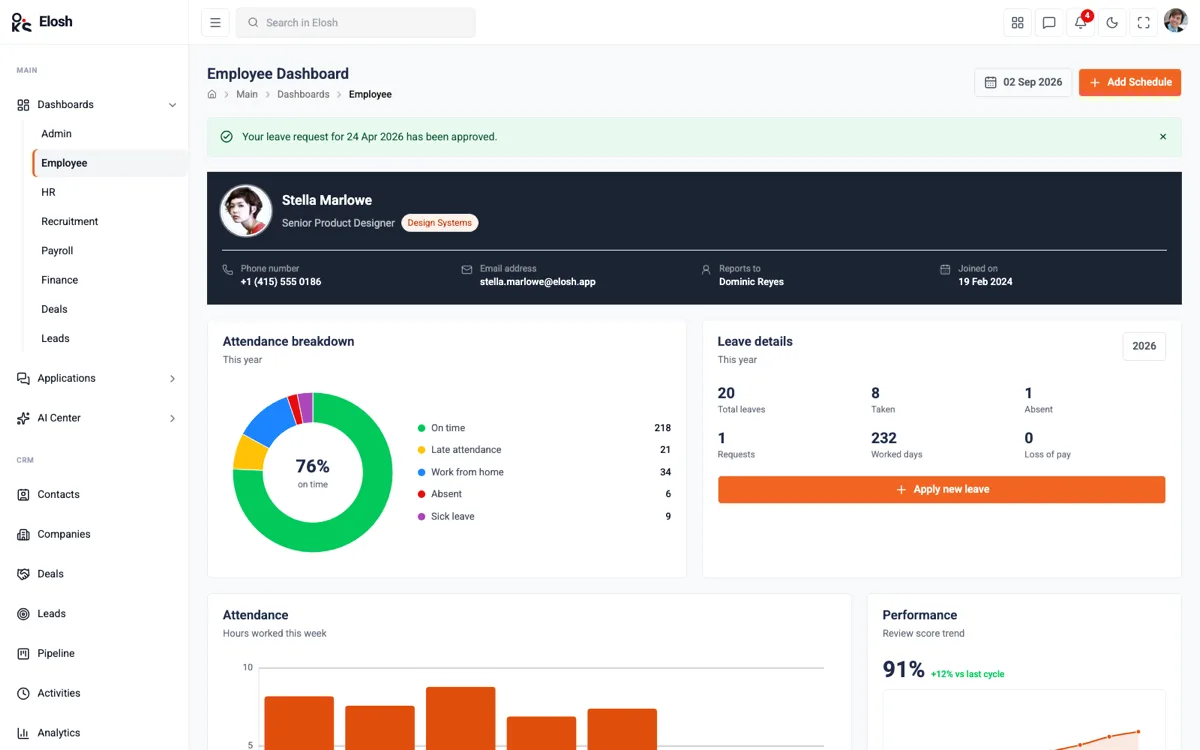
Elosh
HR & workforce admin dashboard
- HR
- Admin
- Dashboards
- Dark mode
- Screens
- 116
- Components
- 32
- oks-projects.github.io/verox
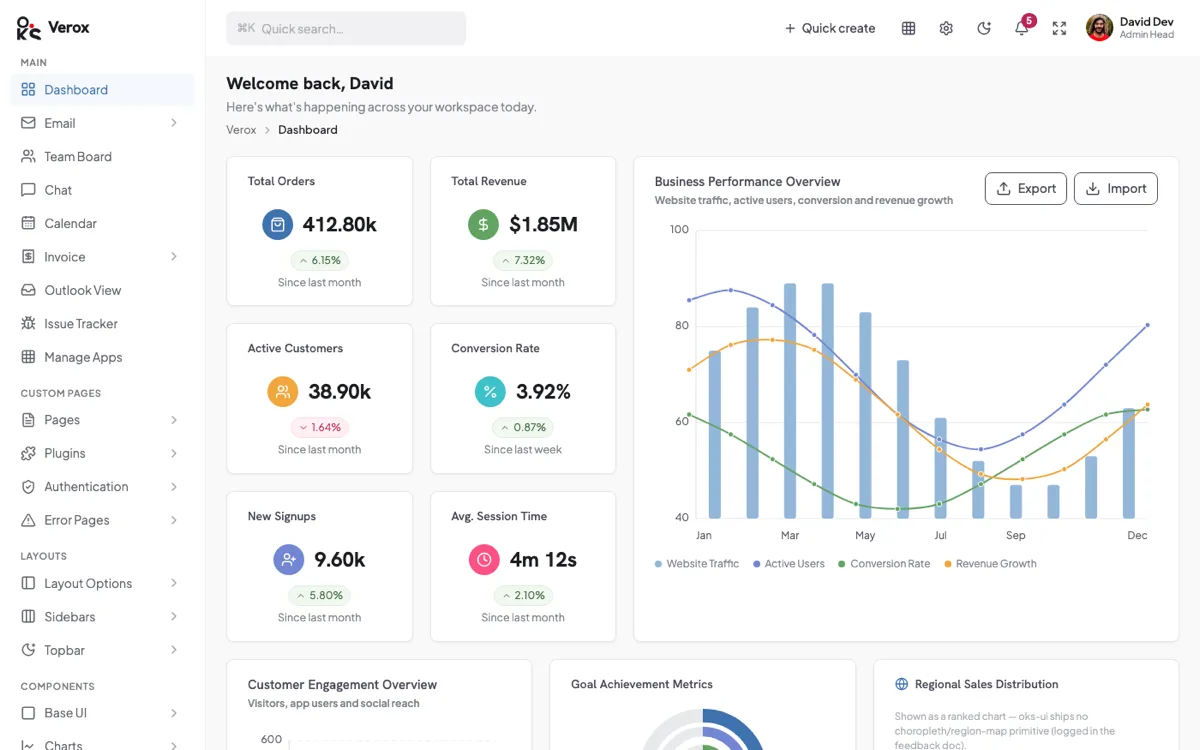
Verox
Admin template with built-in apps
- Admin
- Apps
- Email & chat
- Dashboards
- Screens
- 90
- Components
- 37
Compared side by side
The same table for every template, taken from the same data as the cards above.
How to use a template
- 01
Open it live
Every template runs as a hosted application. Click through the screens before you read anything.
- 02
Read the source
Where a repository is public you can see how each screen is put together from oks-ui components.
- 03
Take what you need
Copy a screen or a pattern into your own project. The components come from the oks-ui package, one import each.