oks-ui
Card component
Card is a bordered, rounded surface for grouping related content. It composes three optional regions — CardHeader, CardBody, and CardFooter — and can be made hoverable or rendered as a link via the polymorphic `as` prop.
Playground
Change a prop on the right and the preview updates. Switch to Code to copy what you see.
Recipes
Copy-paste patterns for the ways Card actually gets used — each one a real, self-contained example.
Header, body, footer
Card composes three optional regions — CardHeader, CardBody, CardFooter — so structured content lines up consistently.
<Card className="max-w-sm">
  <CardHeader>Monthly report</CardHeader>
  <CardBody>Revenue is up 12% versus last month.</CardBody>
  <CardFooter>
    <Button size="sm" variant="soft">View details</Button>
  </CardFooter>
</Card>
Hoverable
isHoverable adds a subtle lift on hover — the cue that a card is interactive or leads somewhere.
<Card isHoverable className="max-w-sm">
  <CardBody>Hover me — I lift on interaction.</CardBody>
</Card>
Clickable card (as a link)
Wrap the whole card in a Link so the entire surface is one focusable target — the pattern for card grids that navigate.
import Link from "next/link";

<Link href="/components" className="block max-w-sm">
  <Card isHoverable>
    <CardHeader>Browse components</CardHeader>
    <CardBody>Every component here has a live playground.</CardBody>
  </Card>
</Link>
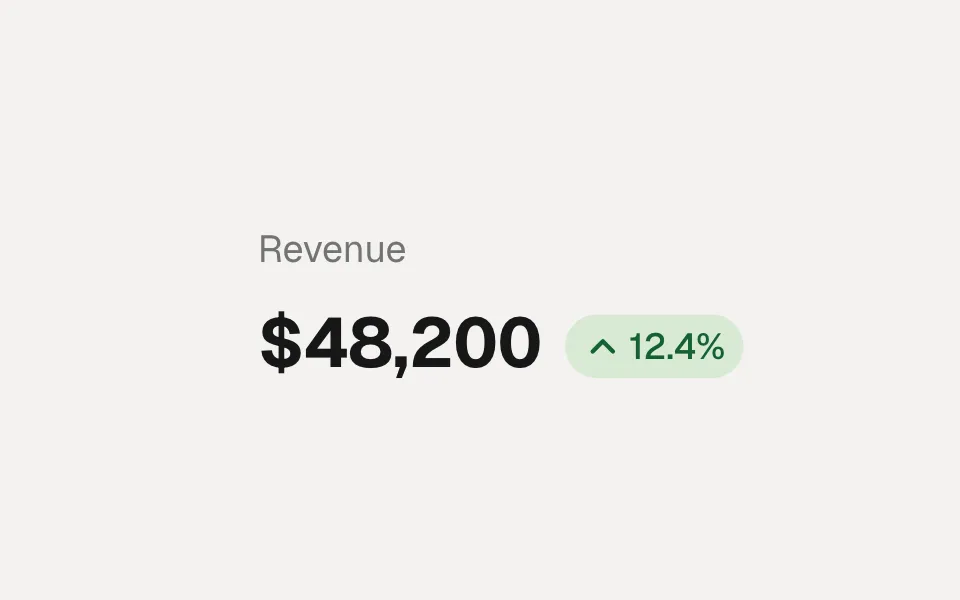
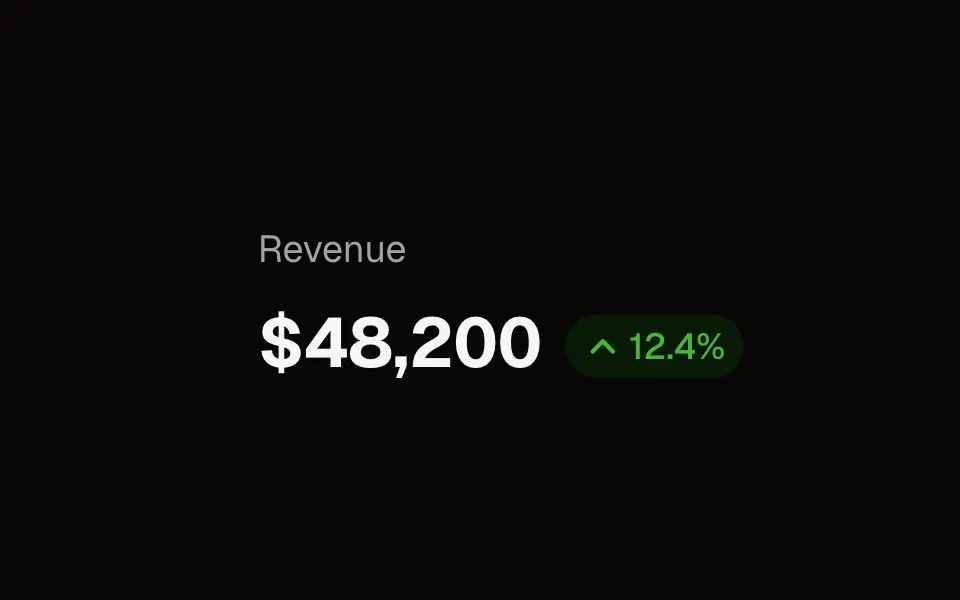
KPI card
A compact metric tile — the building block of a dashboard row.
<Card className="max-w-[220px]">
  <CardBody>
    <p className="text-sm text-ink-muted">Revenue</p>
    <p className="mt-1 text-2xl font-semibold">$48.2k</p>
    <p className="mt-1 text-xs font-medium text-[color:var(--oks-color-success-700)]">▲ 12.4%</p>
  </CardBody>
</Card>
Elevation
Dial the shadow from flat to lifted with the shadow scale — match it to how much the card should stand off the page.
<Card shadow="none">Flat</Card>
<Card shadow="sm">Small</Card>
<Card shadow="md">Medium</Card>
<Card shadow="lg">Large</Card>
Example
<Card isHoverable>
  <CardHeader>Monthly report</CardHeader>
  <CardBody>Revenue is up 12% versus last month.</CardBody>
  <CardFooter>
    <Button size="sm" variant="soft">View details</Button>
  </CardFooter>
</Card>
Props
The full public API for Card. Every prop is stable and intentionally typed.
Content
| Prop | Type | Default | Description |
|---|---|---|---|
| children | ReactNode | — | Card content — usually CardHeader / CardBody / CardFooter. |
| CardHeader / CardBody / CardFooter | div props | — | Padded regions inside a Card. CardBody grows to fill height; adjacent sections auto-collapse their doubled vertical padding. |
children
ReactNode
default: —
Card content — usually CardHeader / CardBody / CardFooter.
CardHeader / CardBody / CardFooter
div props
default: —
Padded regions inside a Card. CardBody grows to fill height; adjacent sections auto-collapse their doubled vertical padding.
Appearance
| Prop | Type | Default | Description |
|---|---|---|---|
| shadow | "none" | "xs" | "xs-sm" | "sm" | "md" | "lg" | xs | Elevation. |
| radius | "none" | "xs" | "xs-sm" | "sm" | "md" | "lg" | "full" | lg | Corner radius. |
| isBlurred | boolean | false | Translucent background + backdrop blur where supported. |
shadow
"none" | "xs" | "xs-sm" | "sm" | "md" | "lg"
default: xs
Elevation.
radius
"none" | "xs" | "xs-sm" | "sm" | "md" | "lg" | "full"
default: lg
Corner radius.
isBlurred
boolean
default: false
Translucent background + backdrop blur where supported.
Behavior & states
| Prop | Type | Default | Description |
|---|---|---|---|
| isHoverable | boolean | false | Lift on hover without becoming a control. |
| isPressable | boolean | false | Whole card is one activatable control; fires onPress on click / Enter / Space. |
| isDisabled | boolean | false | Dim the card and block onPress. |
| as | ElementType | div | Render as a different element/component (e.g. a router Link). |
| onPress | (e) => void | — | Called when isPressable and the card is activated. |
isHoverable
boolean
default: false
Lift on hover without becoming a control.
isPressable
boolean
default: false
Whole card is one activatable control; fires onPress on click / Enter / Space.
isDisabled
boolean
default: false
Dim the card and block onPress.
as
ElementType
default: div
Render as a different element/component (e.g. a router Link).
onPress
(e) => void
default: —
Called when isPressable and the card is activated.
Layout & positioning
| Prop | Type | Default | Description |
|---|---|---|---|
| fullWidth | boolean | false | width: 100%. |
fullWidth
boolean
default: false
width: 100%.
Styling
| Prop | Type | Default | Description |
|---|---|---|---|
| classNames | { base?: string } | — | Slot class overrides. |
classNames
{ base?: string }
default: —
Slot class overrides.
Accessibility
- A plain Card is a generic container with no implicit role — add a heading inside it, not on the wrapper.
- When rendered as a link (`as={Link}`), the whole card becomes one focusable target with a visible focus ring.
- `isHoverable` is a visual affordance only; it never changes the tab order.